Capabilities

Enterprise-Grade Mobile Security, Made for Campus

01

On-Device AI Detection

Behavioral, machine-learning engine identifies threats in real time — even offline.

02

Zero-Day Protection

Stops never-before-seen malware and exploits without waiting for signatures.

03

Privacy-First by Design

Protects users without monitoring personal content, messages, or browsing.

04

Anti-Phishing & Mishing

Defends against SMS, QR (quishing), and app-based social-engineering lures.

05

Zero-Trust Integration

Connects with MDM/UEM, Intune, SIEM, and SOAR for conditional access.

06

Forensics & Threat Hunting

Detailed device attestation and forensic scanning after risky connections.
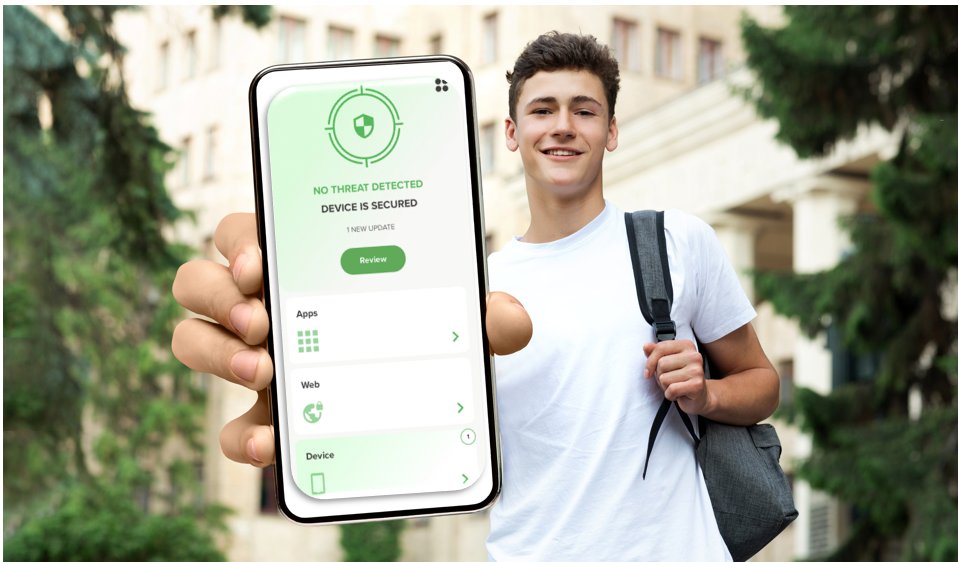
Student holding a phone showing CampusCyberShield reporting the device is secured
At a Glance

This is what a protected device looks like.

"If your cell phone does not look like this, you are unprotected or under-protected."

Green means safe — the app continuously verifies apps, web traffic, and the device itself, and tells you when your device is secure and why.

Inside the App

Mobile Threat Defense Protection Features

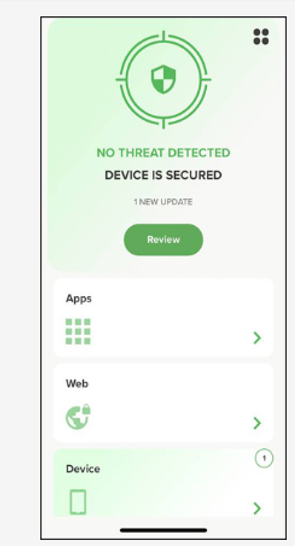
Mobile Device Protection

An attacker's primary goal is to find a way into your cellphone or tablet and fully compromise it — gaining access to everything you use your phone for hundreds of times a day: banking, purchasing, communicating, even opening or locking your car. MTD tells you when your device is secure, and why.

MTD home screen — no threat detected, device is secured

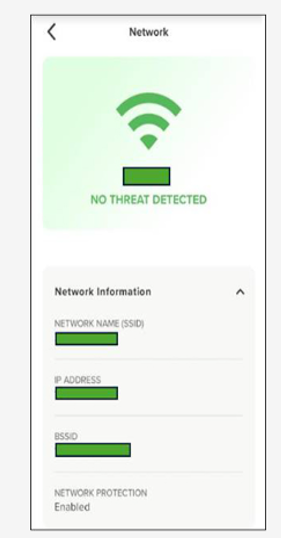
Networks Verification

Free Wi-Fi at coffee shops, airports, and libraries is one of the riskiest things we all use without thinking. MTD tells you whether the network you are logging into is safe or not, so you can connect anywhere with confidence.

Network verification screen — no threat detected

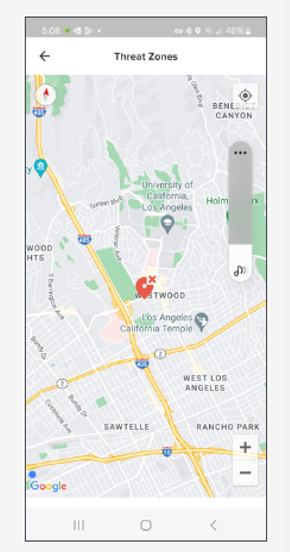
Identify Unsafe Threat Zones

MTD Danger Zone provides real-time information on nearby Wi-Fi networks and their potential risk in an easy-to-understand map view. If you inadvertently connect to a high-risk network, you receive an alert and a recommendation to disconnect.

Threat Zones map view showing risky networks nearby

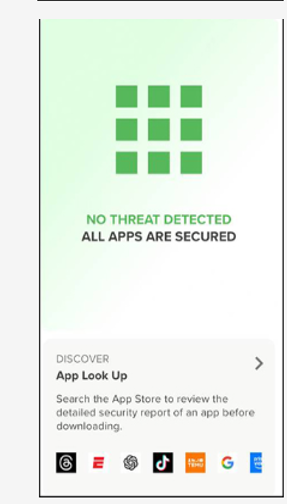
Safe App Protection

Even legitimate app stores carry innocent-looking apps hiding malware you cannot see or detect. MTD constantly monitors your apps and warns you about security issues with apps you are downloading — and the ones already on your phone.

Safe apps screen — all apps are secured

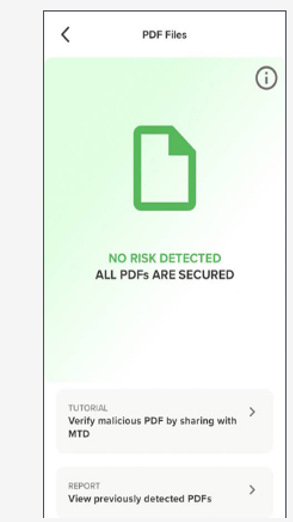
PDF Scan Analysis

PDFs can carry embedded malware and are a favorite phishing vehicle. MTD analyzes PDFs before you download them and inspects the files already stored on your phone or tablet to keep you safe.

PDF scan screen — all PDFs are secured

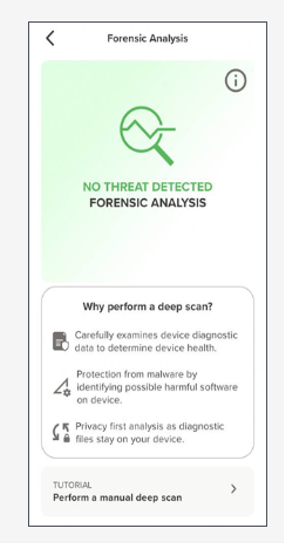
Forensic Analysis

The average person stores 100 gigabytes on their mobile device — 20,000 pictures, 25,000 songs, 25 hours of video — with no idea what could be living inside it. MTD performs a forensic deep-dive of your device to make certain it is free of dangerous malware, and diagnostic files stay on your device.

Forensic analysis screen — no threat detected

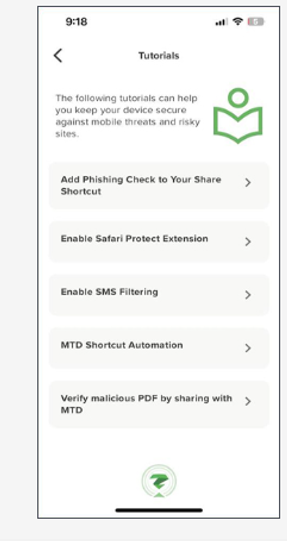
Fine-Tuning Tutorials

Out of the box, the app automatically protects against the most common threats. In-app tutorials walk you through raising your protection further — phishing checks, SMS filtering, browser protection extensions, and more.

In-app tutorials list